
January 26, 2021
Read Time ·
5 min
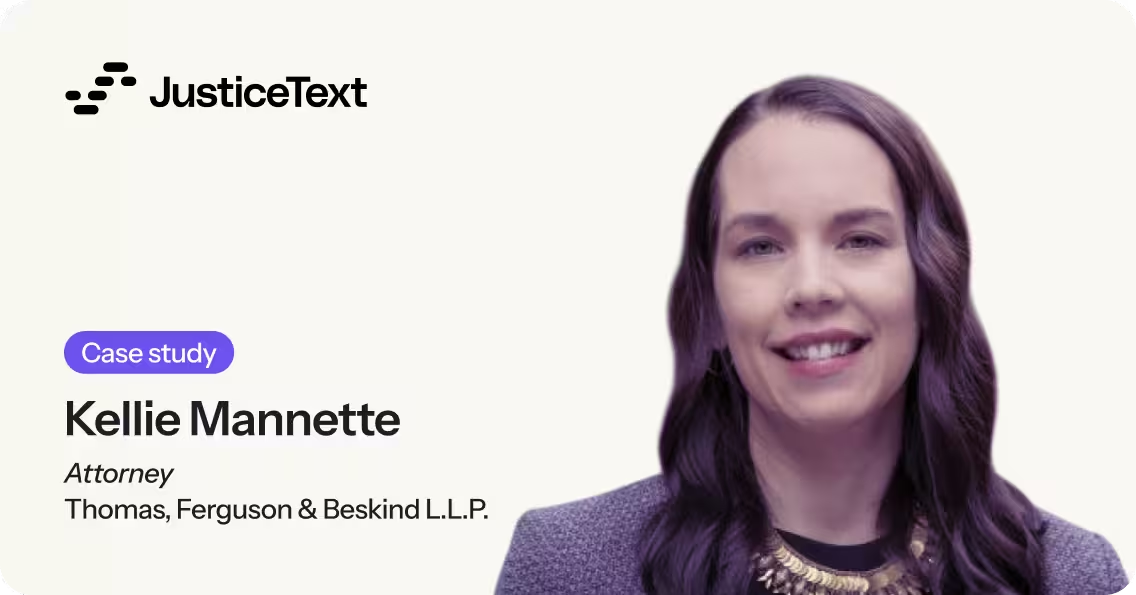
Kellie Mannette, a Board Certified Specialist in State Criminal Law and Juvenile Delinquency Law, based in Chapel Hill, North Carolina, is a solo practitioner who takes on high-level criminal cases involving Class E felonies and above. The complex cases, such as those involving murders, typically involve review of several hours-long videos, which is challenging for Mannette to manage and use effectively.
Mannette typically needs to review videos alongside transcripts, which may come from professional transcribers, assuming they are available. But often, Mannette is preparing her own notes and transcriptions, another demand on her limited time.
"In every murder case, there will be at least three videos that run as long as two to four hours. Parts of those videos will have someone sitting in silence, which of course we don't need – and some of it will be inadmissible information."
To prepare video evidence and transcripts for her cases, Mannette has to turn her attention to laboriously clipping video and finding relevant passages within transcripts. "It falls on my shoulders to deal with the technical aspects. I usually redact transcripts by hand, and then I clip the videos and merge the clips together in a clunky mechanical way."
Mannette is largely working with indigent clients, and also takes on some cases via the state's public defender system. The lack of funding for transcription services means she may not be able to access transcriptions promptly from professional transcribers.
When Mannette began using JusticeText, she found that it was built for her unique needs. JusticeText's web-based platform uses artificial intelligence to quickly generate transcripts from uploaded evidence. From there, users can analyze, edit, and export transcripts, while also creating video clips simply by highlighting relevant sections of transcripts.
"I watch the videos for the first time with the transcript right next to the video. It's a substantially better process than before."
With JusticeText, Mannette can easily review videos for keywords, while editing the transcript at the same time and creating video clips when necessary. "When you consider the course of an entire case, JusticeText minimizes the time I need to spend going back through videos and transcripts. The software does a really good job of capturing the content of the videos. In fact, I'll often grab quotes from the transcripts to put into motions that I'm preparing."
JusticeText’s custom vocabulary feature helps Mannette shorten the time needed to correct transcripts. For example, she adds in the names of law enforcement officers, and names of counties and cities, which she’d have to correct repeatedly in transcripts. The resulting transcripts are cleaner from the start, with proper names and capitalization for locations and people.
“That was a profound change for me – it was phenomenal,” Mannette says. “I’d normally have to do a lot of copying and pasting of the usual place names and people.” The resulting transcripts are cleaner from the start, with proper names and capitalization for locations and people.
Many features in JusticeText also help shrink timelines for Mannette as she amasses evidence for cases.
“The time stamps in the transcripts are critically important to my work. We need to see context for statements in video – things like facial expressions. Being able to go straight to that point in the video without having to guess and skip around is very helpful.”
The export feature in JusticeText also helps Mannette easily share transcripts with other relevant parties in a case, such as district attorneys. Instead of placing transcripts on a web tool like Dropbox and worrying that recipients wouldn’t know how to access them, Mannette can simply export the transcript as a formatted Word document, and email it.

Kellie Mannette
Attorney, Thomas, Ferguson & Beskind L.L.P.
