
JusticeText helps you review discovery faster so you can spend more time on case strategy.
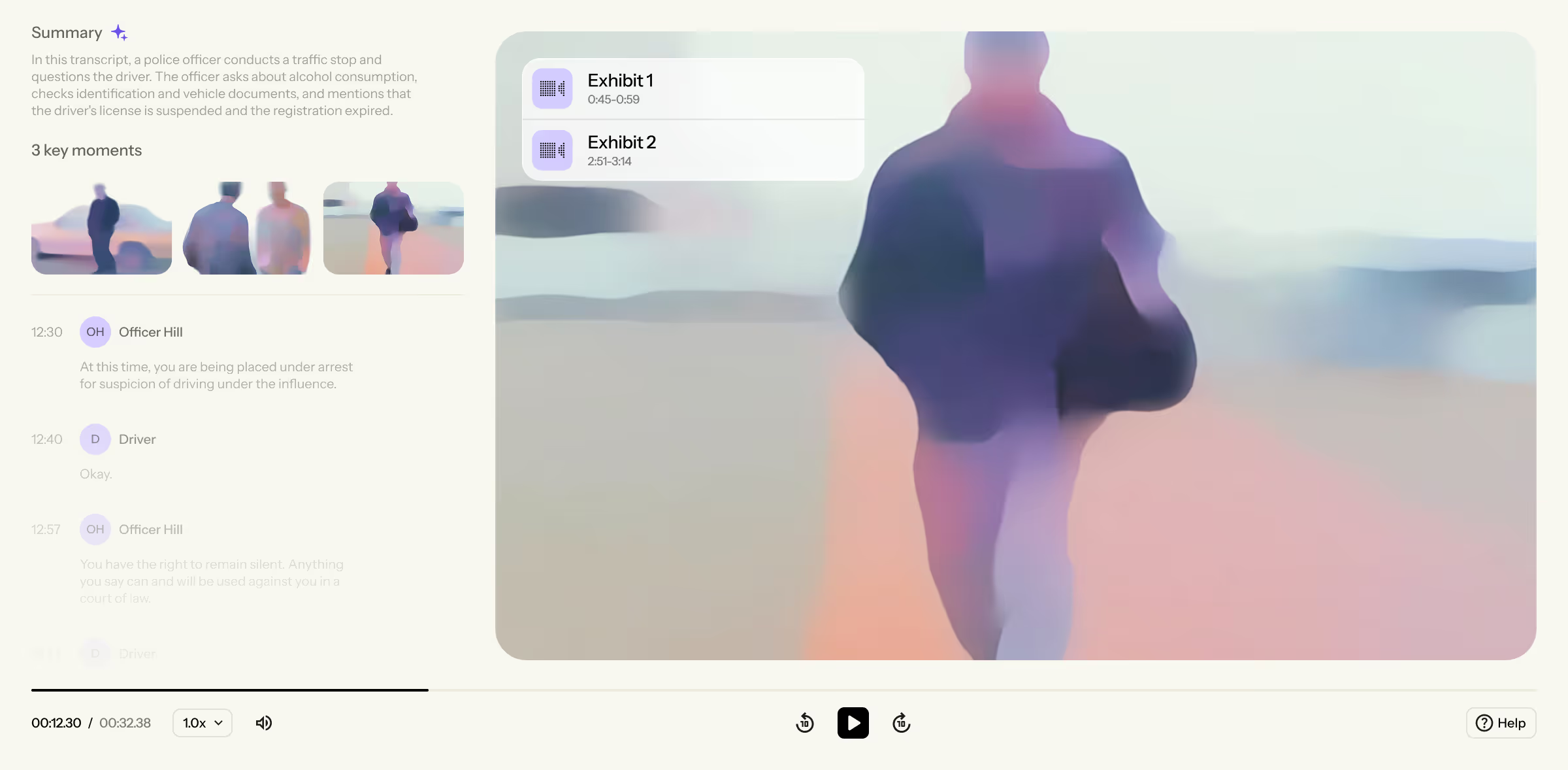

Transcription
Turn hours of audio and video evidence into searchable transcripts, time-synced with the original media.
Translation
Transcribe and translate media in 100+ languages, even when multiple languages are spoken in a single file.
Proprietary Formats
Review all of your evidence in a single system, with in-built support for the most complex file formats.






Instantly uncover connections across your discovery, saving hours of manual work.

MirandaAI
Chat with our AI assistant to build timelines, spot inconsistencies, and strengthen your case strategy.

AI Summaries & Key Moments
Review concise, detailed summaries of your evidence and identify key moments across your case.
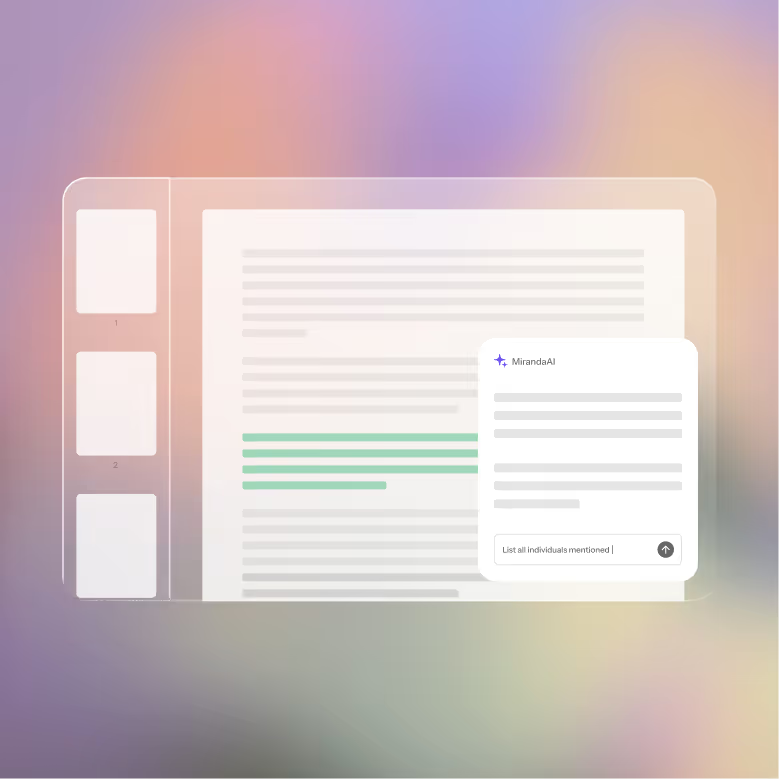
PDF Support
Analyze lengthy written documents with AI and cross-reference them against your video evidence.


Sam Cox
Kentucky DPA Trial Division Director

Chris Tracy
Kentucky Department of Public Advocacy

John Baker
Kansas Holistic Defenders

Lael Kayfetz
Siskiyou County Public Defender
Understand what really happened on the scene, so you can tell your client’s full story in court.
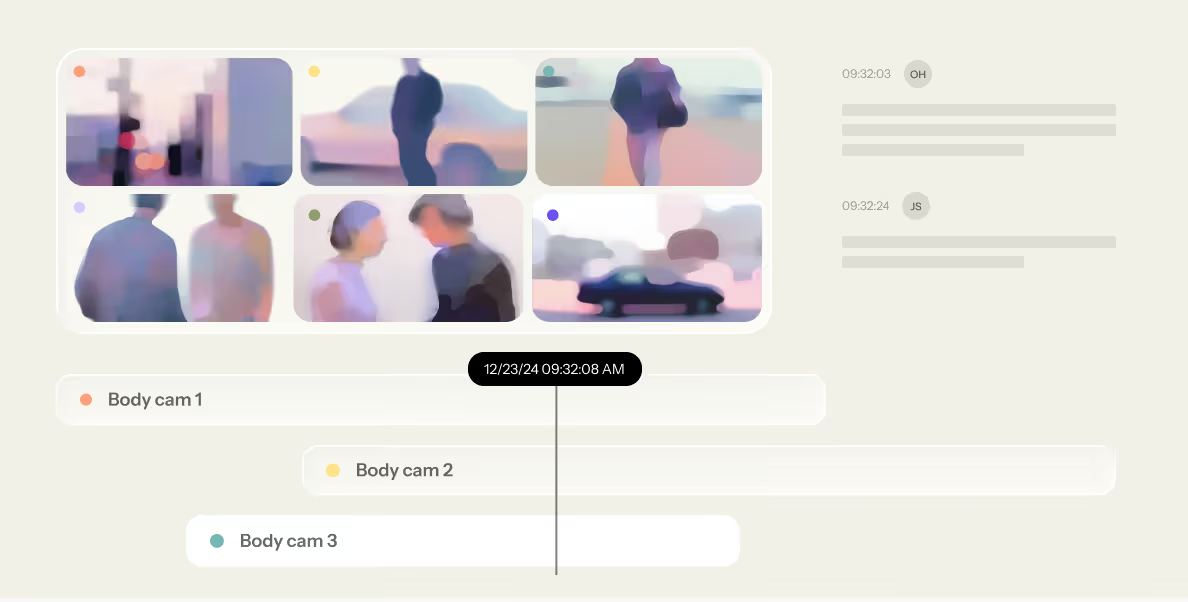
Multi-Camera Syncing
Sync multiple video angles into a unified timeline, automatically aligned by date and time of capture.
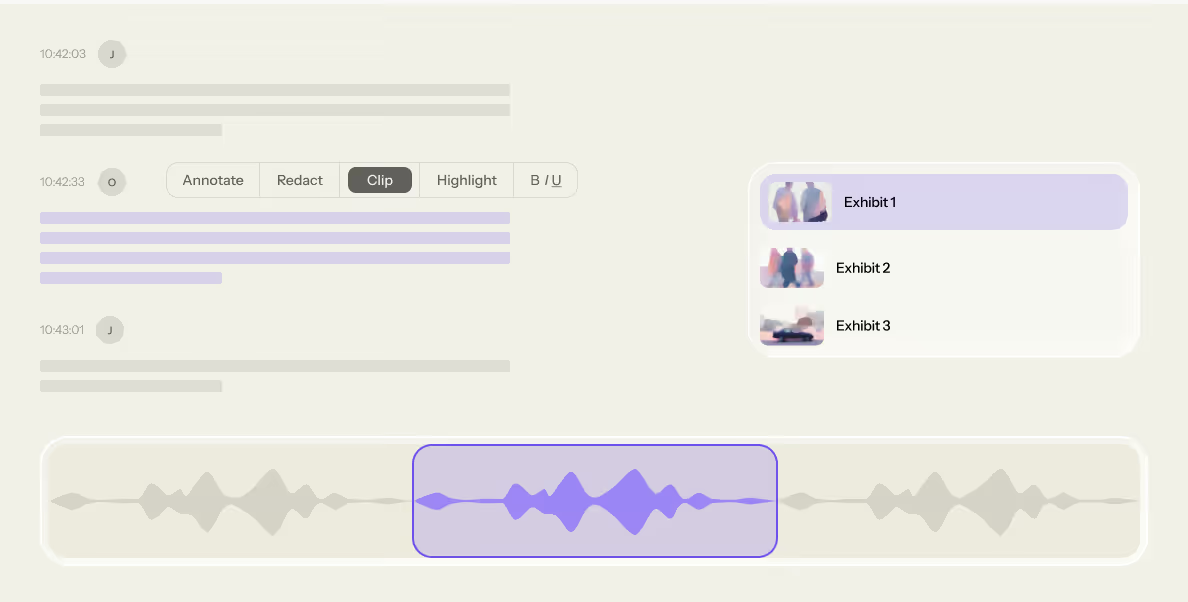
Video Clipping & Redacting
Create court-ready video exhibits with built-in clipping, redaction, and closed captioning tools.
JusticeText is designed to keep your sensitive case materials protected and secure at every step.

Your data, your control
Your data remains confidential, and you retain control over the access and deletion of all uploaded content.

Fully encrypted
All uploaded content is stored on encrypted U.S. servers. Your data is fully encrypted in transit and at rest.

No AI model training
Your evidence is private and never used to train third-party machine learning models.

MFA & SSO
Account access remains protected with multi-factor authentication and single sign-on support.
What video file types do you support?
The JusticeText team has spent years building support for the most common proprietary file formats. Today, all standard formats as well as the vast majority of proprietary file formats (e.g., GTL jail calls, For The Record courtroom proceedings, AV Viewer dashcam/bodycam, Watchguard cameras) are supported.
The team is constantly adding new supported file formats — if there’s one you run into that we don’t support just let us know!
Do I need to do any preprocessing, like OCR, before uploading documents?
No. You can upload PDF documents as-is. The platform automatically extracts the text from your documents, pulling information contained in text, tables, images, and even handwritten notes in your written discovery. Your files become searchable so you can quickly find, review, and analyze information using MirandaAI without any extra steps.
How does JusticeText handle poor audio or heavy background noise? Is the transcription accurate in those cases?
Anyone who has worked with discovery knows that evidence audio often includes overlapping voices, static, and background noise. JusticeText provides a speedy, AI-generated transcript while clearly identifying areas of lower confidence, helping you review difficult recordings efficiently and focus your attention where it is needed most.
